Step by Step Deleting your account
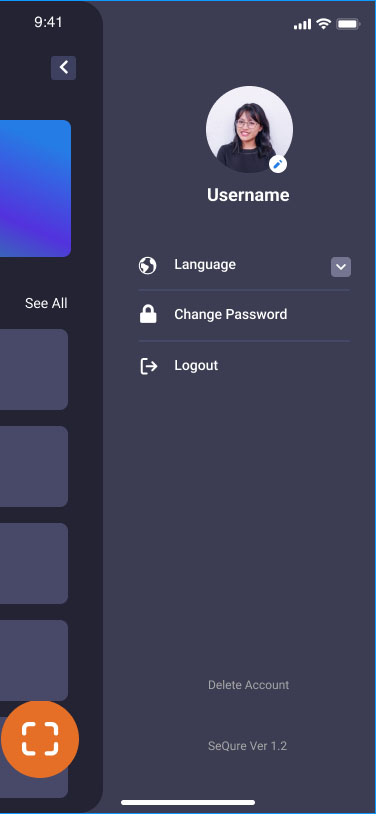
- Go to your sidebar account menu
- Click "Delete Account"
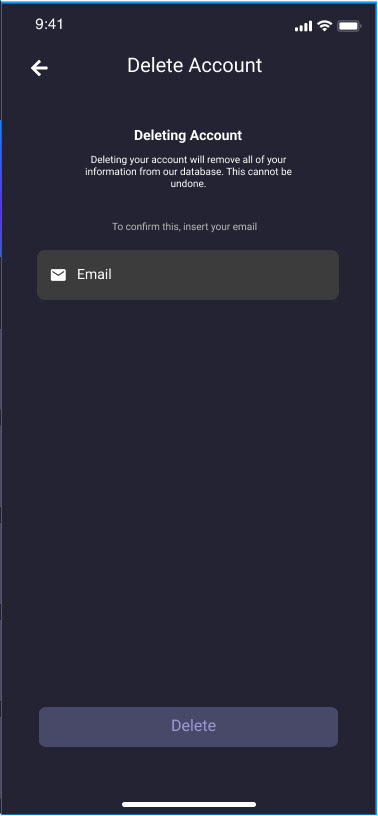
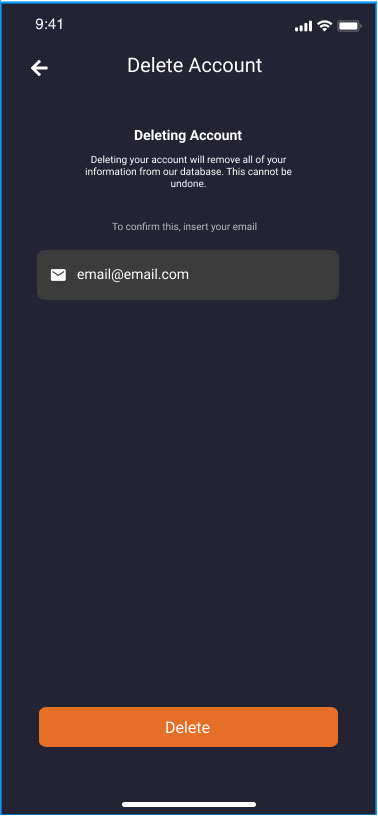
- Type your registered email, then click delete button
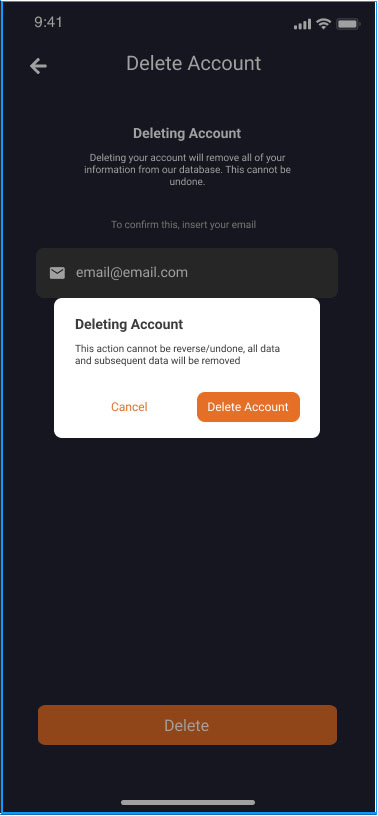
- You will be prompted for final delete confirmation. Click "Delete Account" to confirm deleting account, or "Cancel" to abort delete process
Contact Us
If you have any questions or suggestions do not hesitate to contact us at contact@qtrust.id